Appearance
Introduction to the Verification Center
The verification center is a product designed to allow clients to easily and quickly self-verify in a manner which satisfies regulatory requirements, to allow them to start trading faster.
How it Works
The verification has 2 "modes" depending on the verification providers which are enabled.
TLDR;
The VC is currently in "proxy" mode which means that all interface functionality is the responsibility of the VP, while functional concerns regarding syncronization & authentication are handled by the VC.
Proxy Mode
When in Proxy Mode, the verification center's interface is used simply for authentication and normalization, but the verification provider's interface is rendered within the verification center through officially supported mechanisms. In simple terms, the verification center is used to authenticate the client and then show the verification provider's portal within the verification center's portal. That means that some basic functionality is the responsibility of the Verification Center, and some functionality is the responsibility of the Verification Provider.
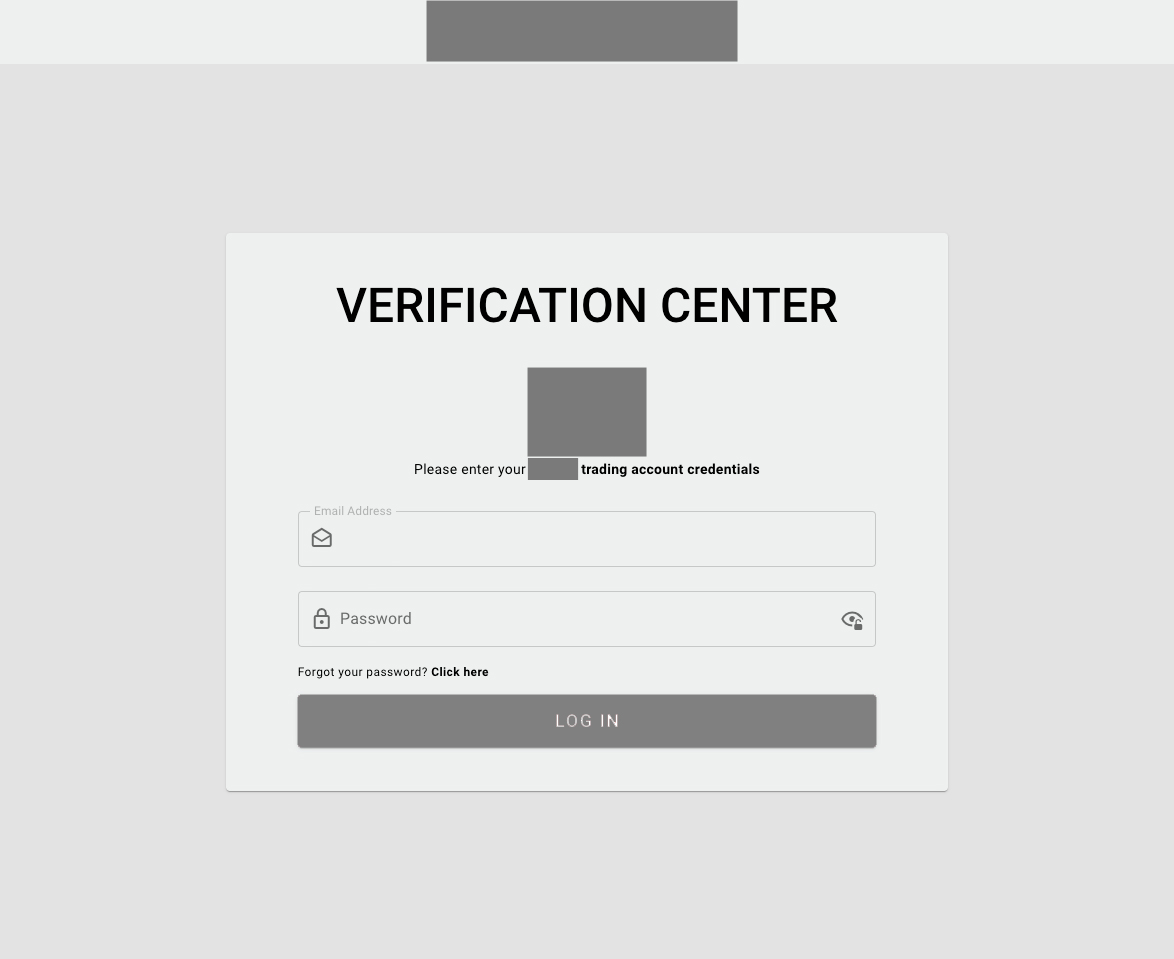
Verification Center Responsibilities
- Client Authentication
- Application State Syncronization
- Verification Provider to CRM Syncronization
- CRM to Verification Provider Syncronization
Verification Provider Responsibilities
- Evidence Collection Interface including information & file uploads
- Questionnaire Collection
- Questionnaire Management
Please Note
The verification center is currently running in proxy mode only.
Native Mode
When in Native Mode, the verification centers's interface is used exclusivly from the beginning to the end of the verification process. That means that all functionality is the responsibility of the Verification Center, such as:
- Client Authentication
- Evidence Collection Interface including information & file uploads
- Questionnaire Collection
- Questionnaire Management
Deprecation Notice
The verification center does not currently have any active integrations with verification providers which support native mode.
Verification Center Flows
The following charts describe the various flows which are part of the verification center.
Onboarding to Verification Center
The following flow chart describes the various flows used to onboard clients to the verification center.
Note
For security reasons, there is no auto-login functionality.
Note
Solitics & Manually Provided Links are outside of the scope of the verification center.
Verification Center Portal Flows
The following flow chart describes the flows used to render the verification center forms.
Note
This flow does not describe the changes to a client's compliance status in the CRM.
Note
The forms & tasks required to complete a verification level are managed within the verification provider.
Verification Center to CRM Data Flow
The following flow chart describes the flows used to update information from the Verification Center Provider to the CRM
Tip
Click on the green boxes for more information about them
Tip
Click on the green boxes for more information about them